noisebox
A sleep-sound player for your Bluetooth speaker. It makes every sound live, so nothing loops, and it needs no phone or app.
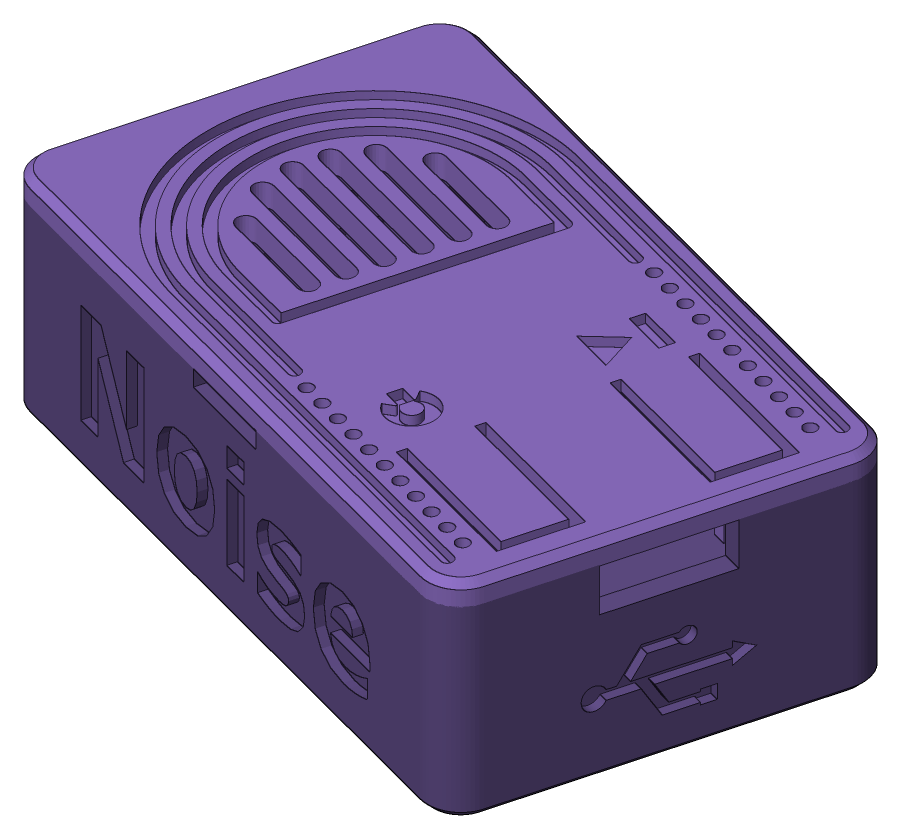
Blue light
| Fast blink | Looking for a speaker to pair with |
| Slow blink | Connecting to its speaker |
| On | Playing |
| Blip every 2 s | Paused from the speaker |
Set up
- Plug the box into a USB phone charger with a USB-C cable. The red light comes on.
- The first time: switch your speaker on, put it in pairing mode and keep it within about 2 m. The blue light blinks fast while the box looks for it, then stays on when the sound starts.
- Set the volume on the speaker.
From then on the box connects to that speaker by itself whenever both are on, and starts with the last sound you played.
Buttons
| Right button | Next sound |
| Right, press twice | Previous sound |
| Right, press 3 times | Back to sound 1 (pink noise) |
| Right, hold 5 seconds | Forget the speaker, find a new one |
| Left button | Restart (keeps your speaker and sound) |
| Speaker's play/pause | Pause or resume |
| Play/pause twice, 3 times | Next sound, previous sound |
The 19 sounds
- Pink noise soft, even hiss
- Brown noise deep rumble
- White noise bright hiss
- Rain steady rain, nearby drops
- Ocean surf and breaking waves
- Ambient (Rhodes) slow chords, soft piano
- Ambient (celesta) with bell-like notes
- Music box: Twinkle Twinkle, Twinkle
- Music box: Brahms Brahms' Lullaby
- E-piano: Brahms electric piano
- Chill lo-fi beats and vinyl crackle
- Dance deep house
- Synthwave 80s synths
- Slow dub techno muffled echoes
- Haunted doorstep spooky, for Halloween
- Holiday carols four Christmas songs
- Hanukkah songs three songs
- Classical Gymnopédie, Für Elise, Minuet in G, Air on the G String, Clair de Lune, Canon in D
- Flight of the bumblebee 30 seconds, repeats
Songs and playlists repeat after a short pause. The noise, nature and ambient sounds never repeat.
If something's not right
The blue light is on but there's no sound. Turn the speaker's volume up, or press its play button: the box may be paused.
The blue light keeps blinking slowly. It can't reach its speaker. Check the speaker is on and nearby, and disconnect any phone from it: most speakers play from one device at a time. The box keeps trying.
It won't pair (fast blinking goes on and on). Check the speaker is in pairing mode (usually a fast-flashing light) and within 2 m. The box ignores speakers further away, so it can't pick a neighbour's.
You want to use a different speaker. Hold the right button for 5 seconds until the blue light flickers, then put the new speaker in pairing mode close by.
The sound breaks up. Move the box and speaker closer together, with fewer walls between them.
No red light, or anything else odd. Unplug the box and plug it back in firmly, or press the left button. Then try another cable or charger.